
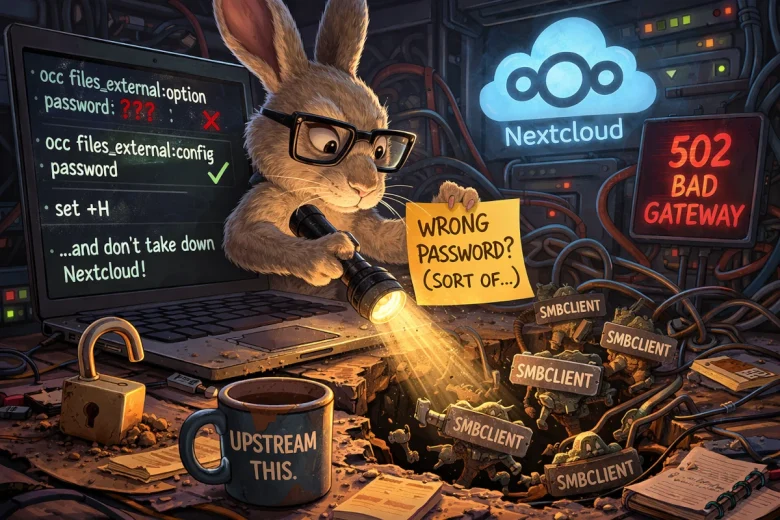
A stubborn Nextcloud SMB “wrong password” error turned into a deeper debugging rabbit hole involving process storms, plaintext credentials, and a misleading CLI command. What started as a routine fix ultimately uncovered a configuration footgun—and led to upstream bug reports.
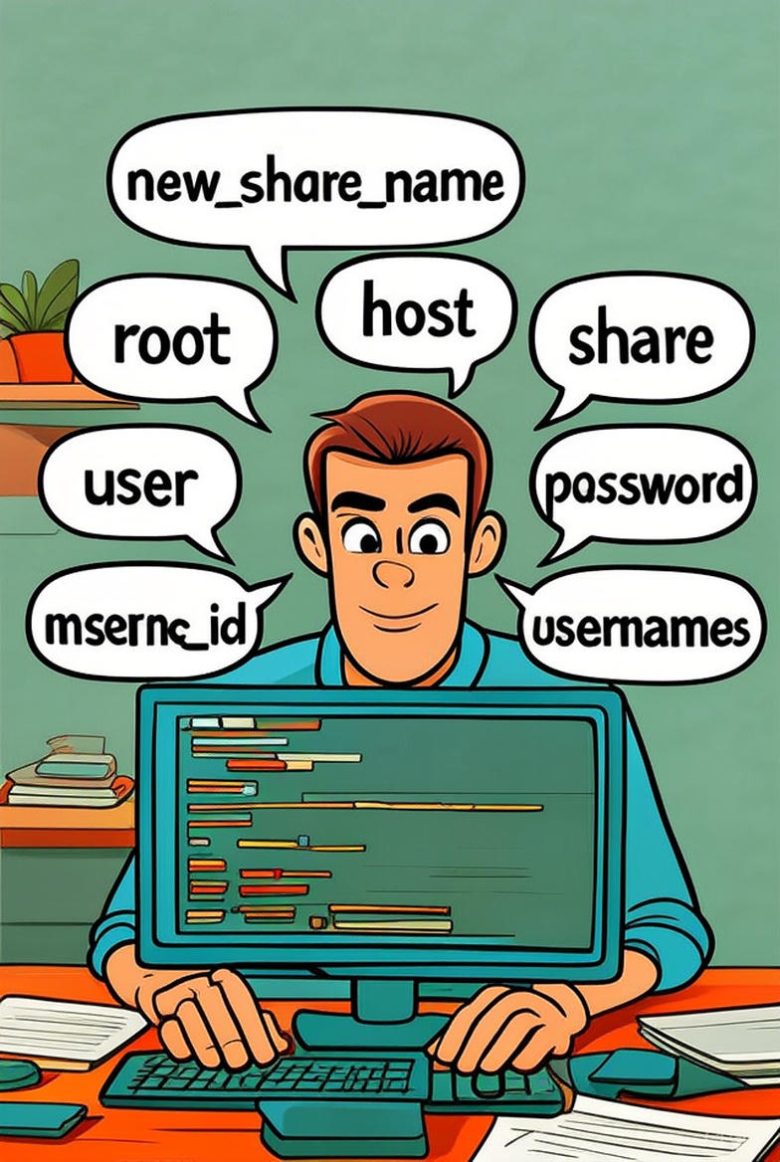
Nextcloud’s SMB password field has a nasty habit of rejecting perfectly valid credentials the moment you click ‘verify’. After hours of hair-pulling, I discovered the fix is blissfully simple: skip the broken GUI entirely and add the share directly with OCC commands.
Five lines in the terminal later, your share mounts perfectly, users get access, and you can get on with your life. No tickets, no forum threads, no sacrificing a goat to the SMB gods required.